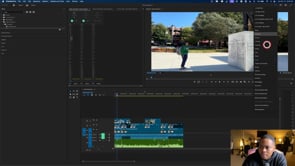
Foundations of Post-Production
This digital workshop covers the following:
File Organization and Project Management: Establishing efficient workflows and organizational structures. Establishing consistent nomenclatures.
Premiere Pro Essentials:
Interface and Workspaces: Understanding the layout, windows, and customizable workspaces.
Project Creation: Setting up a new project with optimal settings and file organization.
Essential Tools and Shortcuts: Mastering basic tools and time-saving keyboard shortcuts.
Importing and Organizing Assets: Methods for bringing media into Premiere Pro and managing it effectively.
In and Out Points: Marking specific sections of clips for editing.
Basic Editing Techniques: Cutting, trimming, arranging clips on the timeline, and adding transitions.
Sequencing and Storytelling: Arranging clips to create a cohesive narrative.
Exporting: Converting the work developed on the timeline into an accessible file format for consumers.